The PMP exam requirements changed in 2026 and the application process has been updated to match. Here is a step-by-step walkthrough of what to expect when you apply.
Step 1: Create Your PMI Account
Go to pmi.org and create a free account in the top right corner. You will need your first name, last name, country or region, email address and password. Once registered, you are part of PMI’s system.
Step 2: Navigate to the PMP Application
From PMI’s homepage, select Certifications and then Project Management Professional (PMP). This takes you to the application page. PMI will ask if you are ready to apply and will confirm that you understand the requirements: specific education and experience levels and 35 contact hours of professional project training.
Step 3: Confirm Education and Experience Requirements
The application reviews your eligibility. If you have a high school diploma, you need five years of project management experience leading and managing projects, teams and change. If you hold an associate degree or bachelor’s degree, the requirement is less. Regardless of education level, you must complete 35 contact hours of project management training.
Step 4: Add Your Academic Credentials
Enter your highest level of education, whether that is a high school diploma, associate degree, bachelor’s degree or graduate degree. If PMI audits your application (approximately 10% of all applications are audited), you will need to provide a copy of your certificate or diploma. Have these documents available before starting your application.
Step 5: Add Your Project Management Experience
This section is where you document the projects you have managed. For each project, enter the organization name, your job title (this does not have to be “Project Manager” — titles like Coordinator, Lead or Manager are acceptable as long as you performed project management tasks), the start date and end date, and a project summary. Your summary should emphasize that you led projects, led teams and led change. Participation alone does not qualify. PMI allows you to count projects from the last ten years, even if you only need five years of documented experience to meet the requirement.
Important: Project dates cannot overlap. You cannot count two projects at the same time toward your experience requirement.
Step 6: Add Your Professional Project Training
Document your 35 contact hours of project management education. Enter the training organization, course title and total hours completed. These hours must come from eligible project management training and must total exactly 35 hours. Once entered, save your training information.
Step 7: Specify Exam and Certificate Details
Enter the name exactly as you want it to appear on your certificate and select your region. The application also asks if you need exam accommodations or special arrangements. PMI provides an exam accommodation guide that explains reasonable adjustments available to candidates with specific needs. Review this guide if applicable to your circumstances.
Step 8: Submit Your Application
Once you have completed all sections, click Submit. PMI will notify you immediately whether your application is approved or audited. If audited, you will receive an email asking for additional documentation. You may be asked to have your manager confirm your project experience via DocuSign or another verification method. Provide the requested information to complete the audit process.
Step 9: Payment Options
After your application is approved, you proceed to payment for the exam. PMI currently offers exam insurance for $45 for members. This insurance covers the cost of a re-sit if you do not pass on your first attempt. Without insurance, re-sit fees are $275 for members or $375 for non-members.
All re-sits must be used within 12 months of your initial exam date. You have a maximum of three attempts within any 12-month period.
Remember
The application process is straightforward once you understand the sequence of steps. Prepare your education credentials, project documentation and training records before you begin to streamline the process.
– David McLachlan
You can see what people are saying about David McLachlan here: REVIEWS
Navigate to Free Project Management and Leadership Articles through the links on the right (or at the bottom if on Mobile)







Also available are my Project Management Templates – they’re a great way to save 100s of hours when you’re first starting out:
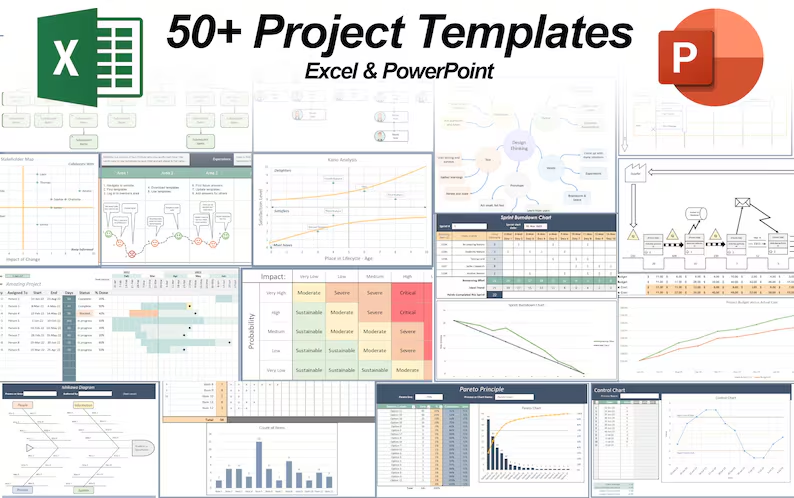 50+ Project Management Templates in Excel and PowerPoint (Gantt Chart, Risk Matrix and more!) 50+ Project Management Templates in Excel and PowerPoint (Gantt Chart, Risk Matrix and more!) |
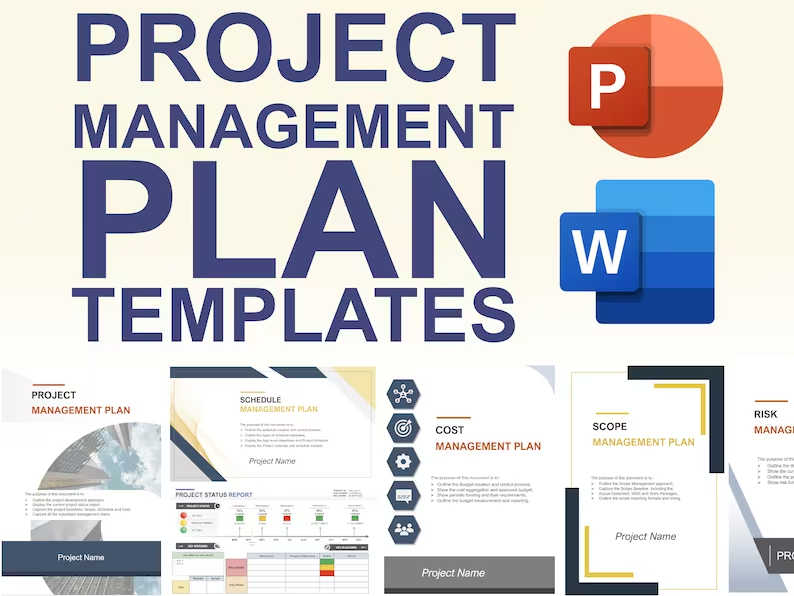 Pre-made Project Management Plan Templates: Save 100 HOURS! Pre-made Project Management Plan Templates: Save 100 HOURS! |