The PMBOK Guide 8th edition defines artificial intelligence in layers, each building on the previous one, with Machine Learning, Deep Learning and Generative Pre-trained Transformers. Artificial Intelligence is being used widely in modern projects – from using it to gauge stakeholder sentiment and assign actions to people at the end of meetings, to helping us reschedule tasks with the least downtime or impact on our resources. Know this for your exam!
Artificial Intelligence
At the broadest level, AI refers to systems that can reason and learn independently without explicit programming for every scenario.
Machine Learning (Layer 1)
Machine learning trains mathematical models using historical data to predict outcomes. Common techniques include linear regression and K-nearest neighbors. The model learns patterns from labelled datasets.
Deep Learning (Layer 2)
Deep learning is an advanced machine learning method using multi-layered neural networks. Unlike machine learning, it can automatically learn features from large unstructured datasets such as images or text without manual labelling.
Deep learning requires more complex mathematics including linear algebra, tensors, matrices and multivariate calculus. Success depends on managing bias, weighting options appropriately and adjusting layer depth. It also demands significant computing power and large volumes of data.
Generative AI (Layer 3)
Generative pre-trained transformers (GPTs) like ChatGPT combine all previous layers to generate new content, answers and ideas based on patterns learned from vast amounts of training data. It also uses NLP (Natural Language Processing) to create a natural user interface, where people can ask questions and get answers in a more conversational style.
Understanding these layers helps project managers recognize where AI can add value in their projects.
– David McLachlan
You can see what people are saying about David McLachlan here: REVIEWS
Navigate to Free Project Management and Leadership Articles through the links on the right (or at the bottom if on Mobile)








Also available are my Project Management Templates – they’re a great way to save 100s of hours when you’re first starting out:
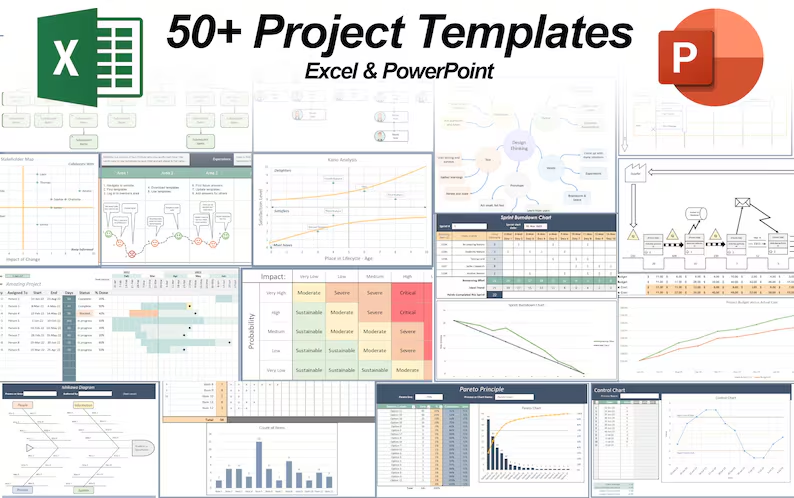 50+ Project Management Templates in Excel and PowerPoint (Gantt Chart, Risk Matrix and more!) 50+ Project Management Templates in Excel and PowerPoint (Gantt Chart, Risk Matrix and more!) |
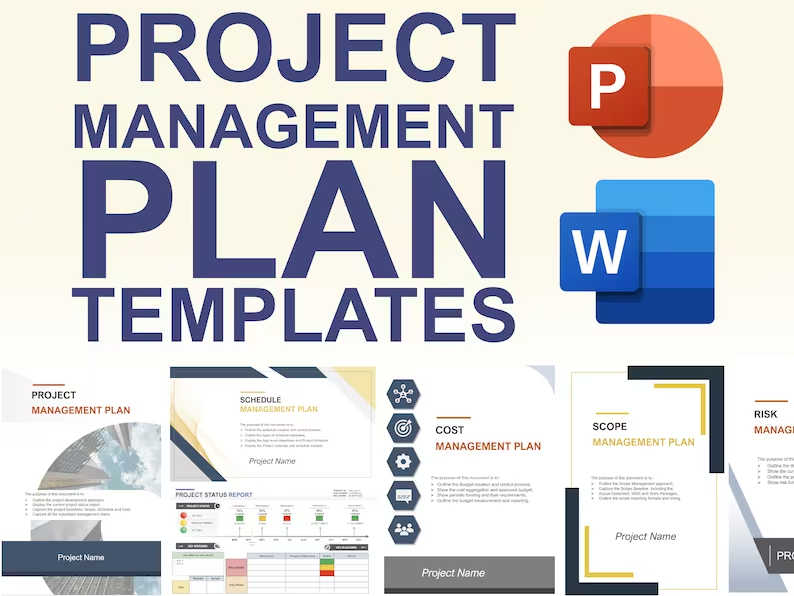 Pre-made Project Management Plan Templates: Save 100 HOURS! Pre-made Project Management Plan Templates: Save 100 HOURS! |